Blog
Creating the MIDI Friend Icon
When I came to design the icon the MIDI Friend, as it’s a Mac app, I knew it would have to be 3D. When I designed DMX Assistant’s icon, I just used Photoshop and kind of guessed how the perspective should look. It came out not too bad, but looking back, it’s a bit sloppy. I’ve always wanted to learn more about 3D graphics and play with Blender, so this was a good excuse.
Read More...Photoshop Pixel-Perfectionism
Even though I made sure my vector shape should theoretically be exactly pixel-perfect, it’s not.
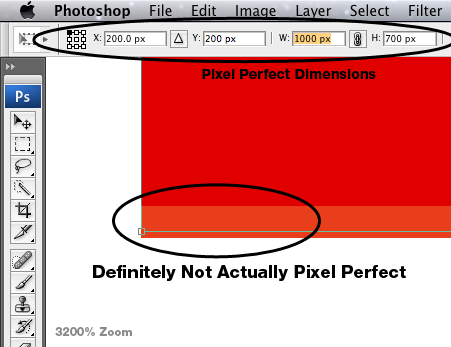
The solution seems to be typing in the numbers lots of times into the different text fields until it works, and changing the anchor point sometimes. It seems to be worse for larger objects?
I almost gave up and tried using Illustrator instead, but the performance would be terrible, having to deal with hundreds of vector layers for this interface design I’m working on…
The Development of DMX Assistant
I recently updated the DMX Assistant site with a page of old screenshots and some of the story of working on DMX Assistant.
Trivia: Why was the first release of DMX Assistant labelled 2.0? Because this was 1.0:
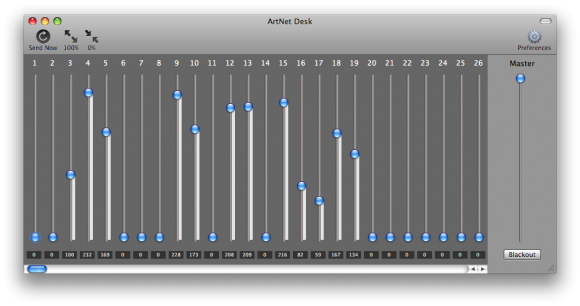
(I never actually released it though. Is it still legitimate to call the first public release 2.0? Google Chrome’s on 17, so I can do whatever I want too.)
MIDI
Recently, I released a major update to DMX Assistant, and launched a new product: MIDI Friend!
DMX Assistant
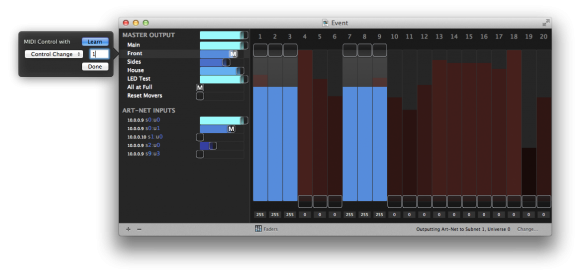
You can now trigger Scenes with MIDI Control Change or Note messages – this enabled you to use a simple MIDI controller to control a simple lighting system, or for a show control system (like Qlab) to trigger a more complicated lighting system.
Groundswell Lighting
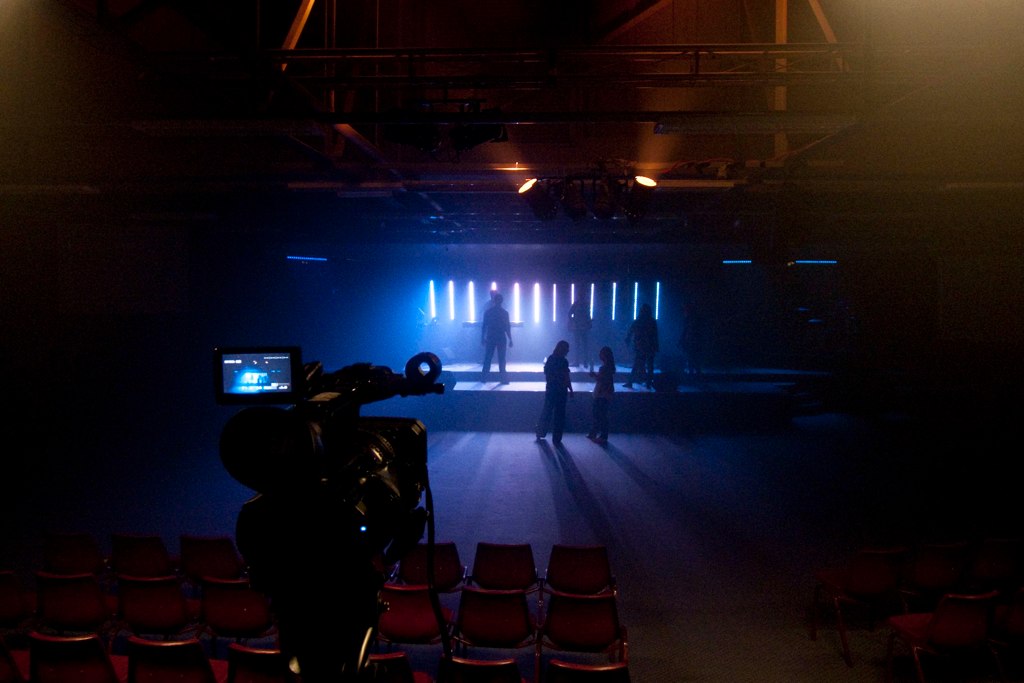
Recently, I was the lighting designer for Groundswell South Coast at Lighthouse Church, with special guest Stan Walker. It was a great night with over 750 people packed into the auditorium! Having got the job last year by simply turning up to help on the morning of the event, it was nice to have a bit of time to plan and prepare this year.
 Read More...
DMX Assistant Released
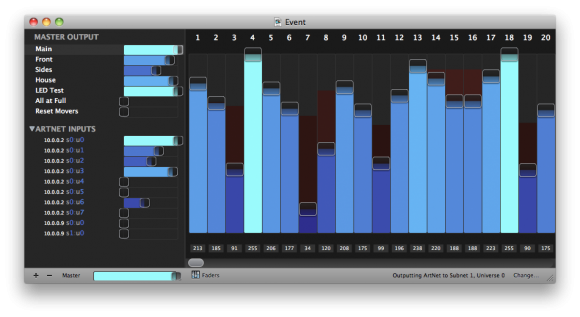
After months of work, I finally released my first Mac App, on the Mac App Store – DMX Assistant. It’s a tool to send and receive DMX via Art-Net, designed to make it really easy to understand what’s happening.
Xcode 4 Instruments Awesomeness
Very useful feature of Xcode 4* – in an Instruments time profile, just double click one of your methods and it’ll show you the code and which lines are the killers.
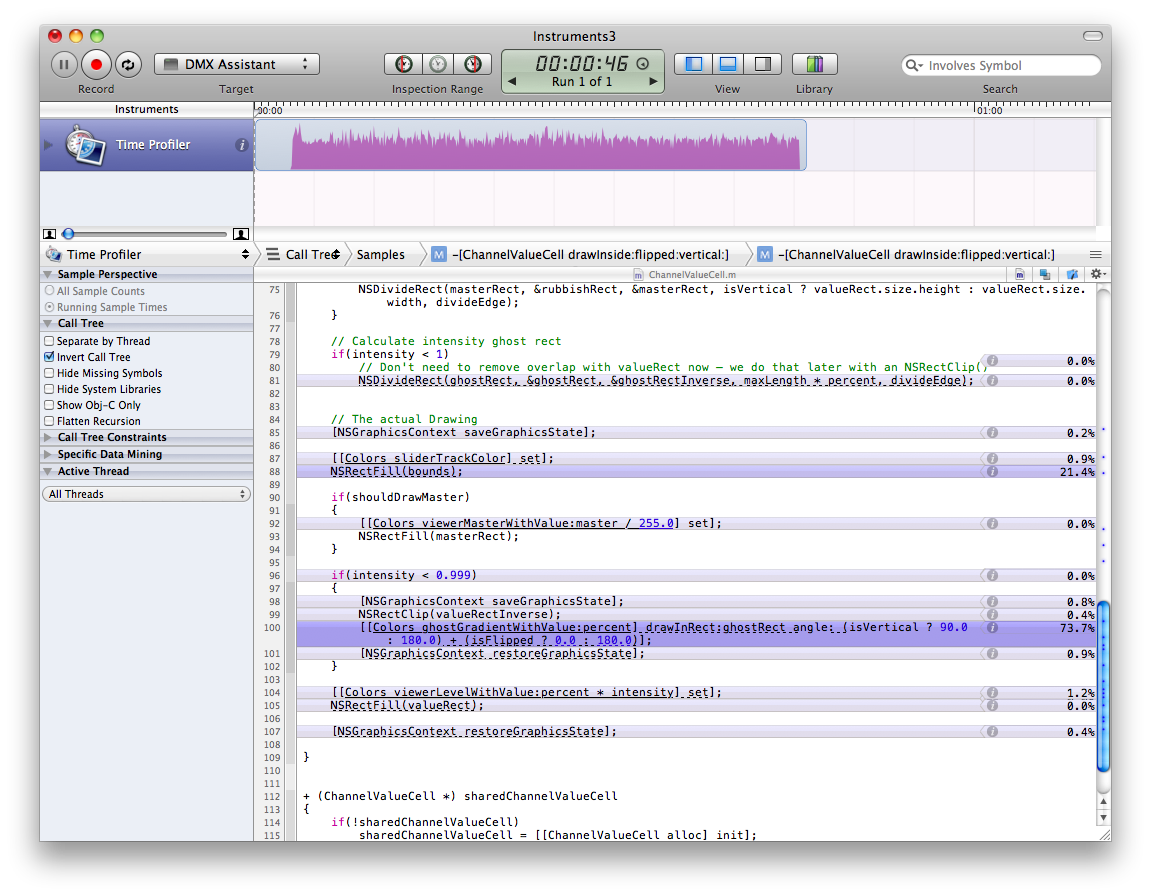
I’m not sure if this was around before Xcode 4 or not – I only just found it now.
Whiteboard Vector Textures

I’ve created a new page with all my free design resources for download (all 2 of them!… there should be more coming sometime though). On that page, you can find some new whiteboard vector textures. I made them by slowly brushing off whiteboard marker from my whiteboard. It creates the dirty cracked look, as seen in the ‘Stock’ graphic above. There will be many more of these whiteboard ones to come (I’ve got a stack of .JPGs to process).
I hope you find them useful!

McFarlane Prize 2009
No, I didn’t win… but I was in the top 50!
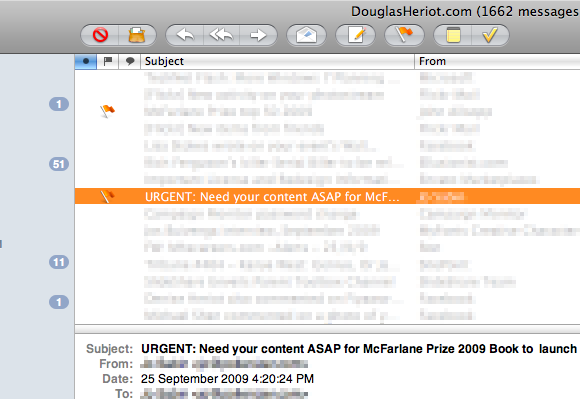
The McFarlane Prize is for Excellence in Australian Web Design. It’s judged based on accessibility, usability, the design, and the code behind it all. I submitted DouglasHeriot.com when it wasn’t even finished yet (it still isn’t, but it was even less-finished than it is now), and didn’t ever expect anything to come of it.
It was 6 months ago now when I got an email:
Extending Paths in Illustrator
This is one thing that always annoyed me after switching from Freehand to Illustrator. I just couldn’t work out how to extend a path — eg. you draw an open path, then want to come back and add some more on the end. In Freehand, you would just select the end point, then use the pen tool to keep drawing as usual, but in Illustrator this would just start a new path.
Read More...15th October, 1582
The 15th of October in 1582 was a very special day. For fun, try typing it into iCal on your mac. (From the View menu select “Go To Date…”, and enter in 15/10/1582). If you’re in month view, you’ll find it’ll show you September, an no matter how hard you try, you won’t be able to find October of 1582! If you go to week view however, you’ll find October, but something will be wrong…
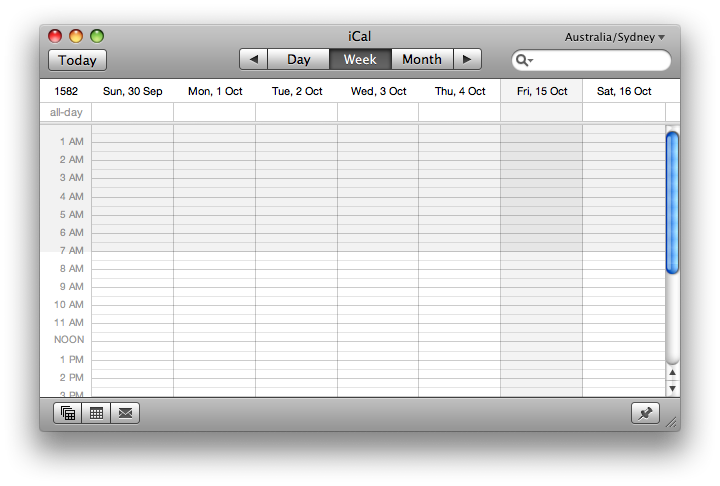
There’s 10 days missing!
I can’t really explain it all, but there’s a pretty interesting article on the Panic Blog that does it pretty well.
Spraypaint Brushes Set 1
They’re finally here! You can download my first pack of photoshop brushes from my stock resources page.
 Read More...
Coming Soon… Photoshop Brushes!
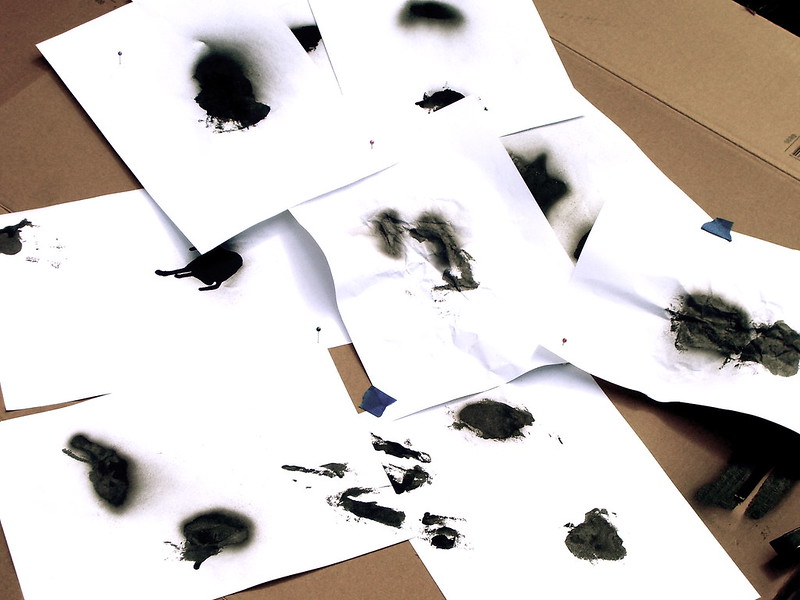
Today I was playing around with some black spray paint (don’t worry, I didn’t do anything bad). I painted some white paper so I can make some Photoshop brushes! Here’s a quick preview: